

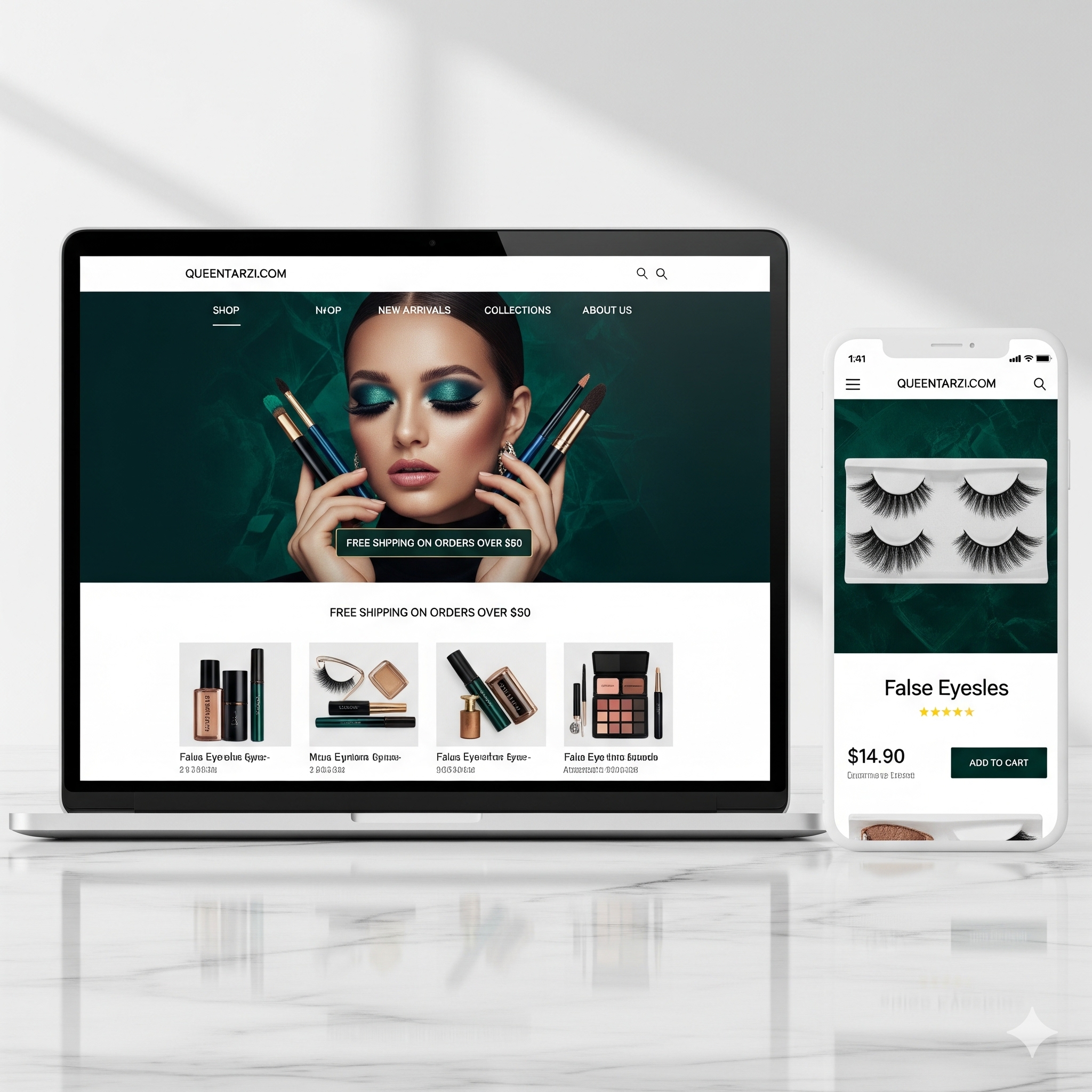
If your Shopify store isn't generating the sales you expected, it's easy to assume something is fundamentally wrong. Many store owners start questioning their products, pricing, or even the entire business model. But in most cases, the truth is much simpler and far less discouraging: Your store isn't broken — it's just not optimized.
The Difference Between a Broken Store and an Unoptimized One
A broken store is one that simply doesn't function. Pages don't load, buttons don't work, or the checkout fails. These are technical issues that prevent any kind of user experience. Fortunately, most modern Shopify stores don't suffer from these problems.
An unoptimized store, on the other hand, works technically — but fails strategically. Visitors can browse products, add items to their cart, and even reach checkout, but something along the journey causes them to drop off. This is where most e-commerce businesses lose revenue: not because their product isn't good, but because their website fails to guide visitors seamlessly toward purchasing.
Speed and Performance Are Silent Deal Breakers
You may not notice a 2-second delay, but speed drives a critical role in conversion. A delay of even a few seconds can cause users to leave your store. In today's fast-paced digital environment, patience is limited. An optimized Shopify store loads quickly across all devices.
"Your store should work like your best salesperson — communicating value clearly and removing barriers before the customer even asks."
Trust Is the Real Currency of eCommerce
No matter how good your products are, customers won't buy if they don't trust your store. Trust is built through consistency, transparency, and professionalism. An optimized store includes clear user reviews, secure checkout icons, transparent policies, and responsive navigation.

